Readable Text
Text is large and good for bad eyes.
Glossary › Web Design › Responsive Design
Responsive design means your website automatically adjusts to fit the screen someone is using, whether they are on a phone, tablet, laptop, or large desktop monitor.
Most people don't think about “responsive design.” They just know when a website feels broken. Show up to a website that isn't mobile responsive.
You're thinking
Responsive design isn't just a design preference. It affects trust, usability, search visibility, conversions, and Google is not a fan when it's not.
A responsive website looks slightly different depending on the device, but it should still feel like the same website. Don't hide important content from mobile users. The goal is just "Make it better / easier for this screen".
Common responsive changes include:
Hi! You know, this sort of example doesn't really work on a mobile phone does it? lol. Feel free to hit those buttons and imagine it though!
Older websites sometimes had a separate mobile version, often on a different URL like m.example.com. No bueno dude. Extra maintenance work managing two versions of the same website. SEO gets more complex. Just don't.
Modern responsive design usually uses one website that adapts to different screens. This is cleaner for users, and way easier to maintain.
Common signs:
I'm no meanie-bo-beanie so I won't be calling out any real examples of sub-par websites.
But you can view the desktop version of any site on Androids if you wanna have a bad time.
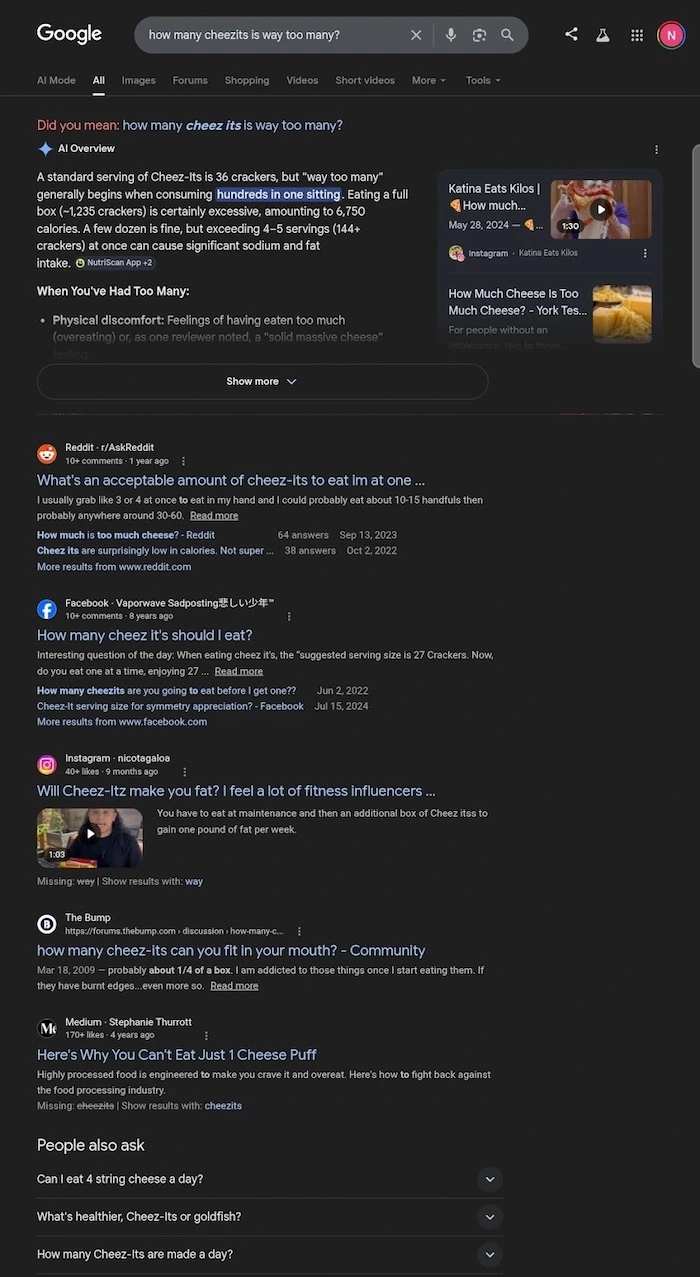
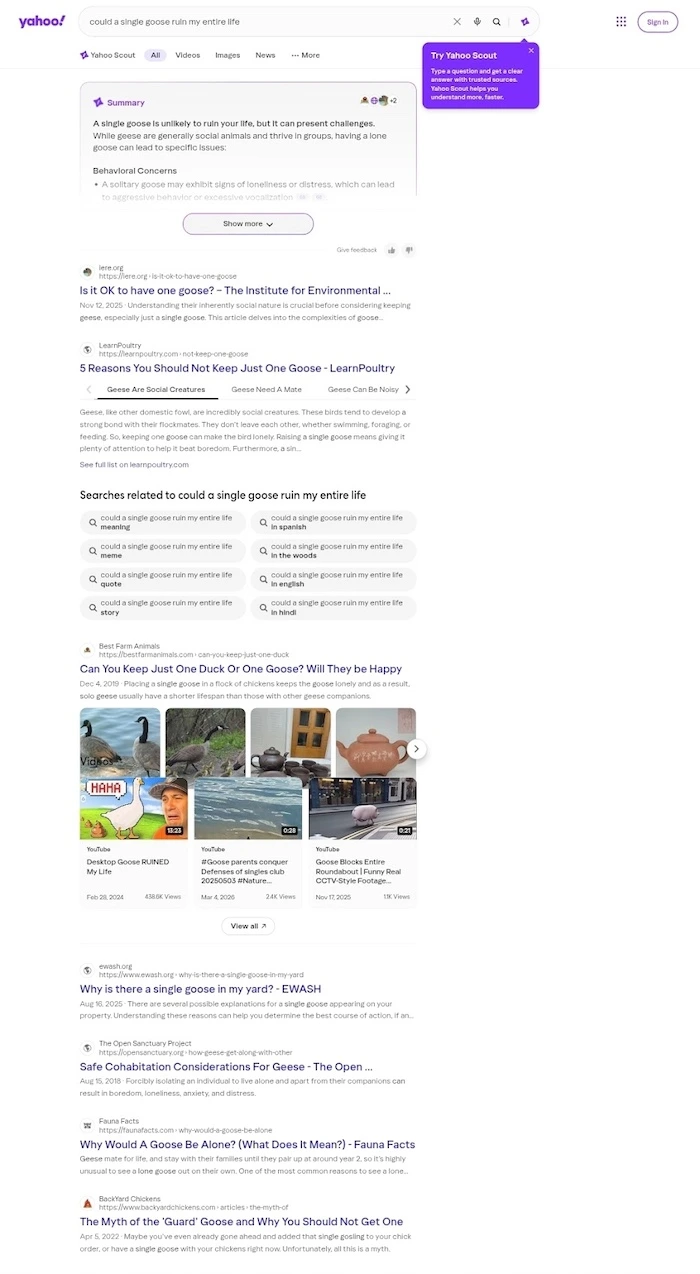
Yup! Google penalizes non-mobile-friendly websites by lowering their rankings in mobile search results. Because of mobile-first indexing, Google primarily uses the mobile version of content for ranking. Sites without a responsive viewport tag or design see significant drops in search traffic.
That's important because over 60% of users are coming from a phone (2025 stat).
Responsive design also connects closely with accessibility. A site that only works at one screen size is NOT accessible. Big problems for people who zoom in, use larger text settings, browse on small devices, or rely on assistive technology.
Good responsive design should support: